Explore the security planning topics covered in this guide. The presentation advances every six seconds and returns to the first slide after the last.
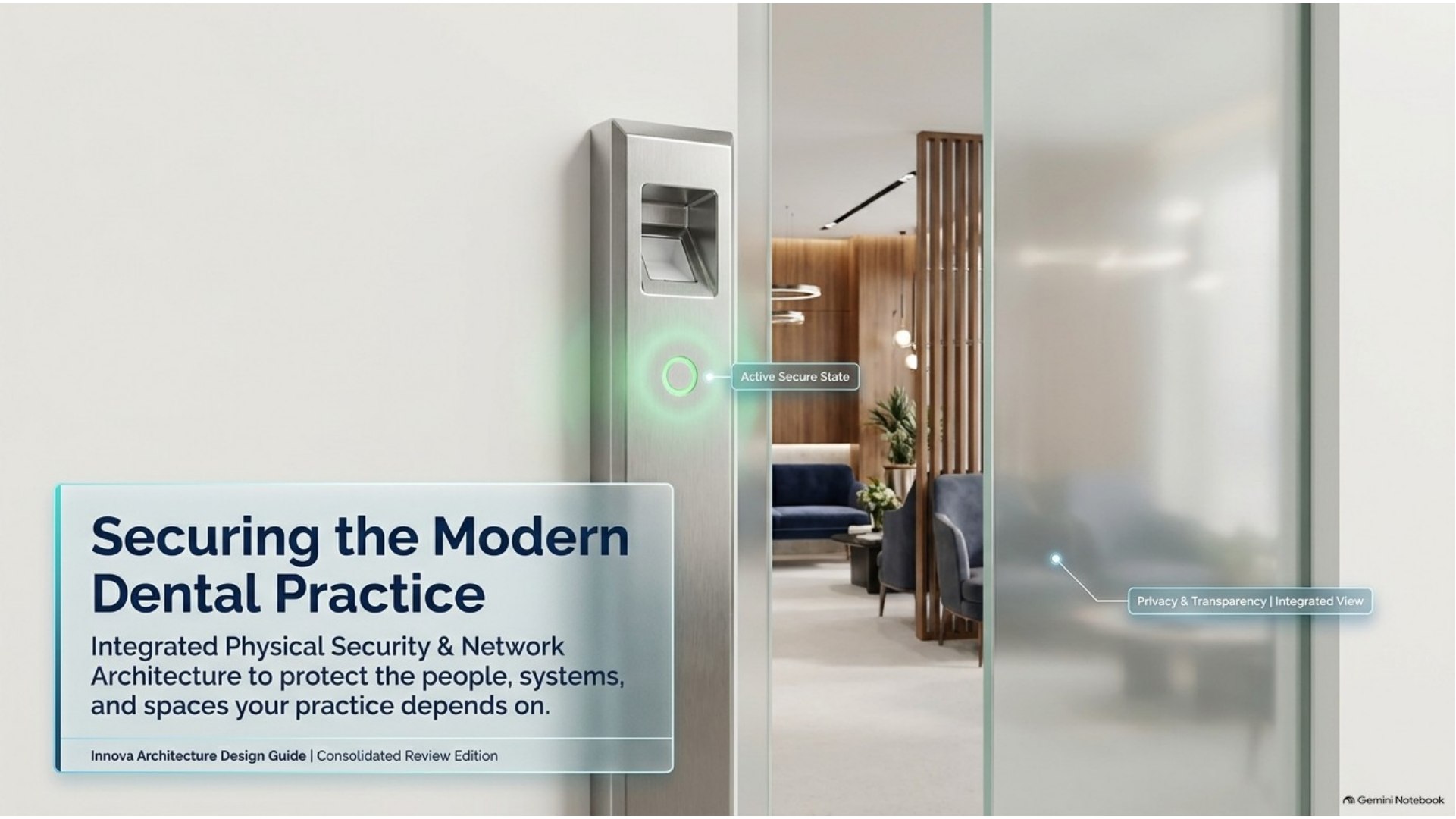
Securing the Modern Dental PracticeSlide 1 of 15
A practical planning guide
Start with the practice, the people, and the risks
Dental facilities combine patient-facing areas, clinical workspaces, valuable equipment, staff-only rooms, and systems that may store or access electronic protected health information (ePHI). A coordinated plan can help practice leaders think through how these spaces connect. The right design depends on the building, workflow, applicable rules, budget, and qualified vendor input.
Plan camera coverage with privacy boundaries
Begin with the purpose of each camera and the area it needs to cover. Common planning areas include exterior approaches, staff parking, entrances, reception, corridors, and selected equipment or storage spaces. Map sightlines before installation and keep cameras out of treatment and consultation areas where their presence could capture sensitive activity.
Review monitor visibility at reception, camera access permissions, storage location, retention period, and export procedures. Audio recording, patient notification, and retention can raise separate legal and privacy questions. Have the practice’s privacy lead and qualified counsel review the design against current federal, state, and local requirements.
Use door access that follows roles and schedules
Electronic access control can help a practice manage staff, temporary workers, vendors, and visitors by role. Plan which doors need credentials, who can grant access, how schedules work, and how quickly a credential can be removed when someone changes roles or leaves. Temporary vendor access can be time-limited and documented.
Consider the patient path from the public entrance to reception and the clinical areas, plus restricted rooms such as server closets, records storage, medication areas, and staff-only spaces. Practice policy and applicable regulations should determine which areas need stronger access restrictions and how access events are reviewed.
Separate clinical, guest, and building technology networks
Dental offices may connect practice-management systems, imaging devices, workstations, phones, staff devices, guest Wi-Fi, cameras, and access-control equipment. Have a qualified network professional inventory these devices and design separation with appropriate firewall rules. A guest network should not provide a path to clinical systems, and connected cameras or building devices should receive only the access they need.
Document network ownership, software and firmware responsibilities, remote access, support contacts, and what happens when a device is replaced. Wi-Fi coverage should be planned around the actual floor plan, construction materials, clinical equipment, and expected device use.
Include front-desk and staff safety in the workflow
Security planning should account for normal operations and unusual situations. Review visitor check-in, staff opening and closing routines, delivery access, after-hours cleaning, and how employees can request help during an incident. A controlled door release or duress feature may be worth evaluating where it fits the practice and local emergency procedures.
Make sure staff know who can initiate a lockdown, how to communicate during an event, and how emergency responders can enter. Equipment alone does not replace a written plan, training, or coordination with the property manager and local responders.
Coordinate locks with fire and life-safety systems
Electrified locks and access-control equipment must work with required emergency egress and any building fire-alarm systems. Involve the licensed fire-alarm and access-control professionals, the building owner, and the authority having jurisdiction before selecting hardware or wiring. Confirm the approved design, inspection steps, and maintenance responsibilities for the specific building.
Use HIPAA as a risk-management framework, not a product label
HHS describes HIPAA Security Rule safeguards in administrative, physical, and technical categories. Physical safeguards include facility-access controls and protections for workstations and devices. The Security Rule is risk-based; a camera, access reader, network switch, or vendor product by itself does not certify a practice as compliant. The practice should review its own policies, risk analysis, vendor arrangements, and safeguards with its privacy or security officer.
Account for rooms and systems that are easy to miss
During a walkthrough, map restricted storage, the server or network room, medical gas areas, and receiving or laboratory spaces where appropriate. Consider related needs such as backup power, connectivity during an outage, environmental alerts, and how access is reviewed when staff or vendors change. A qualified professional should confirm which controls fit the site and applicable requirements.
For a multi-location group or a future practice transition, keep a current record of system ownership, device locations, support contacts, warranties, network dependencies, and open maintenance items. Clear records help new team members and project partners understand the setup and identify what needs review.
Document the design before installation
A useful project record can include a floor plan, device locations, camera coverage and privacy exclusions, access roles, network zones, cabling and power needs, vendor responsibilities, approved life-safety details, and commissioning notes. Keep diagrams and credentials protected, assign an owner for changes, and review the record when the practice remodels, adds locations, or changes systems.
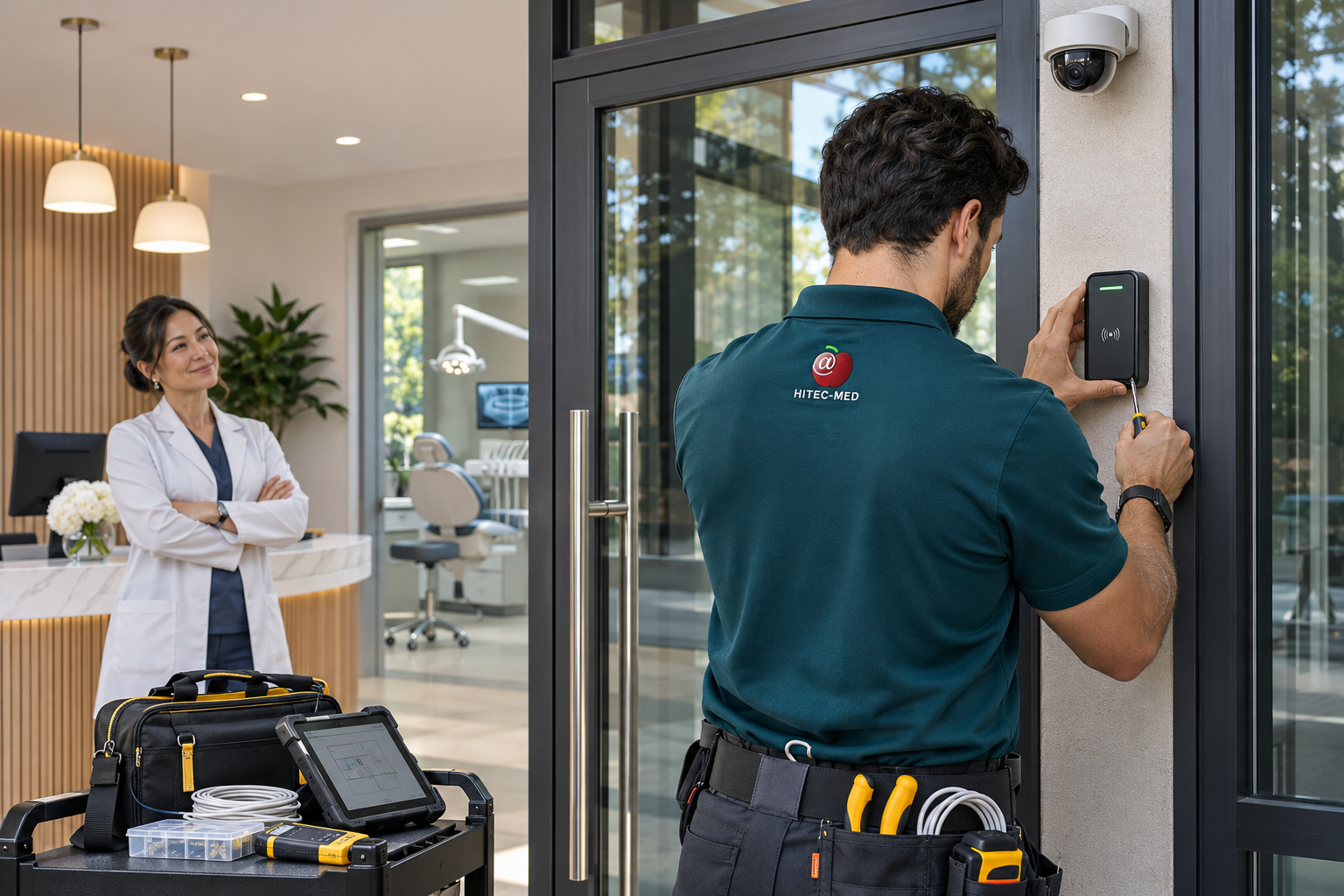
For multi-vendor or multi-location projects, a shared technology plan can help the practice track decisions and handoffs from design through installation. Hitec-med can discuss dental office technology, integrated physical security, IT infrastructure, imaging, and project coordination based on the practice’s scope.
Plan your next step
Review security and technology priorities for your practice.
Share your site, project timing, and key questions with the Hitec-med team.
Editorial note: This article is general planning information, not legal, compliance, fire-code, or security engineering advice. Confirm current requirements with the relevant authorities and qualified professionals.
Customer experiences
Hitec-Med service experience
Examples from Hitec-Med dental practices. Each testimonial is shown with its published role and city.
Customer experiences
1 / 3
Office Buildouts & Network Setup
We have been working with the Hitec-med team for several years, and they are always very prompt. Recently, we moved offices which required about 20 computers to be set up on a new network. They smoothly took care of it all and had a team member on site for our opening day.
Dental Practice Manager, Irvine, CAManaged Dental IT Support
The Hitec-med team has been a total godsend for our daily dental operations. They get both our critical and non-critical tech issues completed with a very quick turnaround. We can always rely on them to keep our practice running smoothly.
Family Dentistry Owner, Pasadena, CAMulti-Location Ongoing Network Support
I've been in practice for over 16 years with three locations and have used several IT providers. By far, the best experience we have ever had has been with the Hitec-med team. They consistently deliver responsive, creative solutions for our offices with the highest level of expertise.
Dental Group Director, Beverly Hills, CA
Hitec-Med video
Modernizing California Dentistry
From Hitec-Med’s supplied video library · Modernizing California Dentistry